Windows 10 and the pressure to buy new: what really applies in 2027
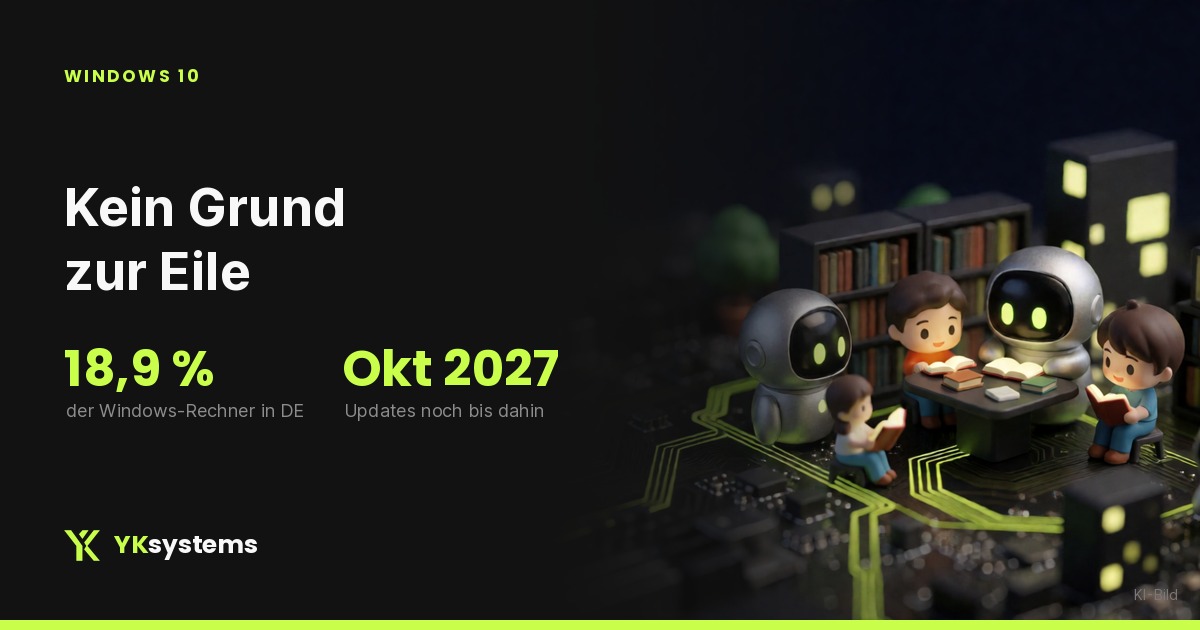
Almost one in five Windows PCs in Germany still runs Windows 10. Microsoft has extended the free security updates for home users until 12 October 2027. That buys you time, and in many cases you do not need a new PC at all.
Windows 10 has been without regular support for a year now, and for many people that boils down to one sentence: "My PC still runs fine, but Windows doesn't want it any more, so I probably need a new one." In most cases that is not true. So here is a sober look at it, with the numbers that actually matter.
The three numbers that matter
| Number | What it means |
|---|---|
| 18.9 percent | Share of Windows 10 among Windows PCs in Germany in October 2026 (Statcounter) |
| 12 October 2027 | Until then, home users still get security updates for Windows 10 |
| 4 GB RAM, 64 GB storage, TPM 2.0 | The official minimum requirements of Windows 11 |
So you are not alone, and you are not late either. Almost one in five Windows PCs in Germany still runs Windows 10 (Statcounter figures for October 2026, quoted by WinFuture). The figure varies a lot from month to month, in August 2026 it was even around 25 percent. The order of magnitude stays the same: millions of PCs are in the same situation as yours.
What happened in October, and what did not
Regular support for Windows 10 ended on 14 October 2025. After that, home users got a transition programme, the Extended Security Updates, ESU for short. This programme was supposed to end in October 2026, a few weeks ago.
That did not happen. In June 2026 Microsoft extended the deadline by one year, the new end date is 12 October 2027 (ComputerBase, 25 June 2026). With a Microsoft account, taking part is free.
Important:
- If you are already enrolled in ESU, you stay in automatically and do not need to do anything.
- If you are not enrolled yet, you will find the option in Settings under Windows Update.
- You only get security updates, no new features. That is exactly what you need, but nothing more.
That gives you almost a year. A year is enough time to make the decision calmly instead of under pressure.
Step one: check whether your PC gets Windows 11
Before you think about hardware, check the software. Many PCs bought in 2019 or 2020 have long met the requirements of Windows 11, there is just a setting switched off in the BIOS.
This is how to go about it:
- First: install and run the PC Health Check from Microsoft. It tells you in one sentence whether your PC gets Windows 11, and if not, what is stopping it.
- Second: if it fails because of TPM or Secure Boot, that is often only because both are switched off in the BIOS. On many motherboards from 2018 onwards they can be switched on, and the PC suddenly qualifies.
- Third: if it fails because of the processor, that is the hard limit. Microsoft only supports certain generations, and no setting changes that.
If your PC meets the requirements, Microsoft offers the upgrade via Windows Update at no extra cost. Microsoft does not commit to how long that will stay the case.
What we have to say honestly
A PC with 4 GB of RAM and an old hard drive meets the minimum requirements of Windows 11 on paper, but it will not feel any better afterwards. The minimum requirements are an installation hurdle, not a promise of quality. If your PC is already sluggish today, Windows 11 will not fix that.
Step two: tell the three cases apart
| Your PC | Sensible route |
|---|---|
| Meets the requirements, runs smoothly | Upgrade to Windows 11, nothing else |
| Meets the requirements, but is slow | Check the SSD and more RAM, upgrade afterwards |
| Processor is not supported | Keep using it until October 2027, plan a new purchase calmly |
The third case is the one where most people reach for a new PC too quickly. Your PC will not stop working on 12 October 2027. It will just no longer get security updates, and that is a real risk, but one that is announced, with a date you know.
What we advise against
We build and sell PCs, so it would be convenient for us to recommend buying new now. We do not, at least not across the board. Three things that rarely pay off:
- Buying in a hurry now. Prices for RAM and SSDs are tight at the moment, more on that in Why PCs are getting more expensive right now. If you do not have to, do not buy into a tight market.
- Forcing an upgrade on an old PC. If processor and motherboard are from 2015, every further euro spent there is usually lost. Better to use the time until October 2027 and save.
- Buying more PC than you need. For email, office work, browsing and videos, nobody needs a high-end graphics card. If you do not play games today, a new PC will not change that.
What you can do right now
- Run the PC Health Check and note what fails, if anything does.
- Check in Settings under Windows Update whether you are enrolled in ESU.
- Back up your data, regardless of Windows. That is what counts when something goes wrong.
- If your processor is not supported, set yourself a reminder for spring 2027. Then you decide calmly, not with a deadline at your back.
If you are not sure what is inside your PC, write to us with the model or the motherboard you have. We will tell you whether Windows 11 runs on it, even if the answer is that you do not need to buy anything.
Sources: Statcounter, market share of Windows versions in Germany, October 2026 (quoted by WinFuture, 1 November 2026) and August 2026 (PC Games Hardware, 7 September 2026). ComputerBase on the extension of the security updates (25 June 2026). Microsoft on the system requirements of Windows 11. As of November 2026.
Was this helpful?
Not sure what is inside your PC?
Send us the model or the motherboard. We will tell you whether Windows 11 runs on it, even if that means you do not need to buy anything.
Have your PC checkedStill have questions?
Tell us what you have in mind. We reply personally within 24 to 48 hours on working days, without sales pressure.
Ask for adviceNew articles by email
The new guides and our news once a month, in German. As a thank you, you get €25 off your first YKON.